
Detect
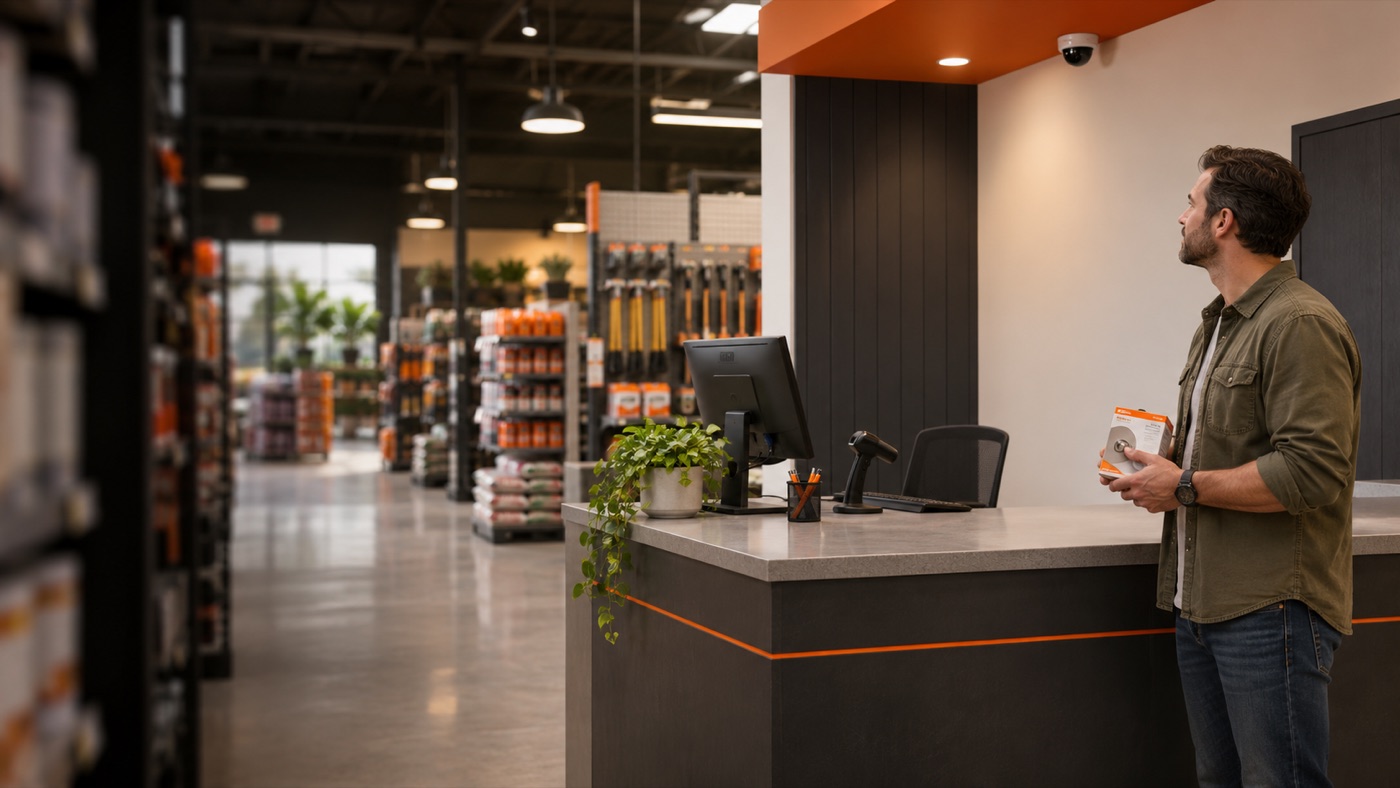
Wobot flags a waiting customer through a configured camera.
Turn camera insights into staff action. Connect waiting customers with the right team—and give every service alert a clear owner.
Service counter → On-shift team
A ready customer can still become a missed sale.
Staff are busy elsewhere. The service desk has no clear owner. A camera records the moment—but your team still needs to act.
Designed to reduce missed interactions and improve follow-through.
Connect the moment a customer needs help to the team that can provide it.
Wobot flags a waiting customer through a configured camera.
Quincer maps the event to the camera’s department.
On-shift staff get an SMS with a photo, plus a push alert if they use the app.
A team member claims the alert, helps the customer and closes it.
Quincer checks for new events every few minutes.
A photo adds context. Department routing focuses the team. A clear status keeps ownership visible.
Interactive illustration—not a live alert or product screenshot.
The on-shift team has been notified. Claim the alert to take ownership.
Help customers at the service points where attention makes a difference.
 Give staff the context to respond.
A shopper needs product assistance. Keep purchase intent moving.
A customer waits for an available associate. Reduce friction in the service experience.
An online buyer arrives to collect an order. Make the final handoff easier.
Illustrative placements. Confirm camera coverage and Wobot event support at each site.
Explore potential applications wherever customers arrive while staff move between tasks.
Reception and tour inquiries: help prospective members get attention while they are on site.
Potential applications—not confirmed deployments. Validate event support and site routing.
For owners, operations leaders, store managers and customer experience teams.
Counters and desks that are not continuously staffed.
Departments, shifts and managers who can own the response.
Choose one service area, validate the response and agree on what success looks like.
Connect Wobot and map cameras to the right departments.
Use a test store to validate routing and staff response.
Activate each location individually. Pause any location when needed.
The Store Camera Alerts add-on, a Wobot account with configured cameras, and a manager covering every store.
Agree on measurement methods and success criteria before launch. Outcomes are not yet quantified.
No. Wobot flags the event and Quincer routes the alert. A team member claims it, helps the customer and closes it.
Quincer checks for new events every few minutes. Validate the full alert-to-response workflow during your pilot.
Yes. Configure cameras and departments, validate routing in a test store, then activate the location. Each location can be activated or paused individually.
Camera coverage, supported Wobot events and site routing need to be validated. The retail and other industry examples on this page are illustrative applications.
Choose one location. Identify one service area.
See the alert-to-resolution workflow in a demo.